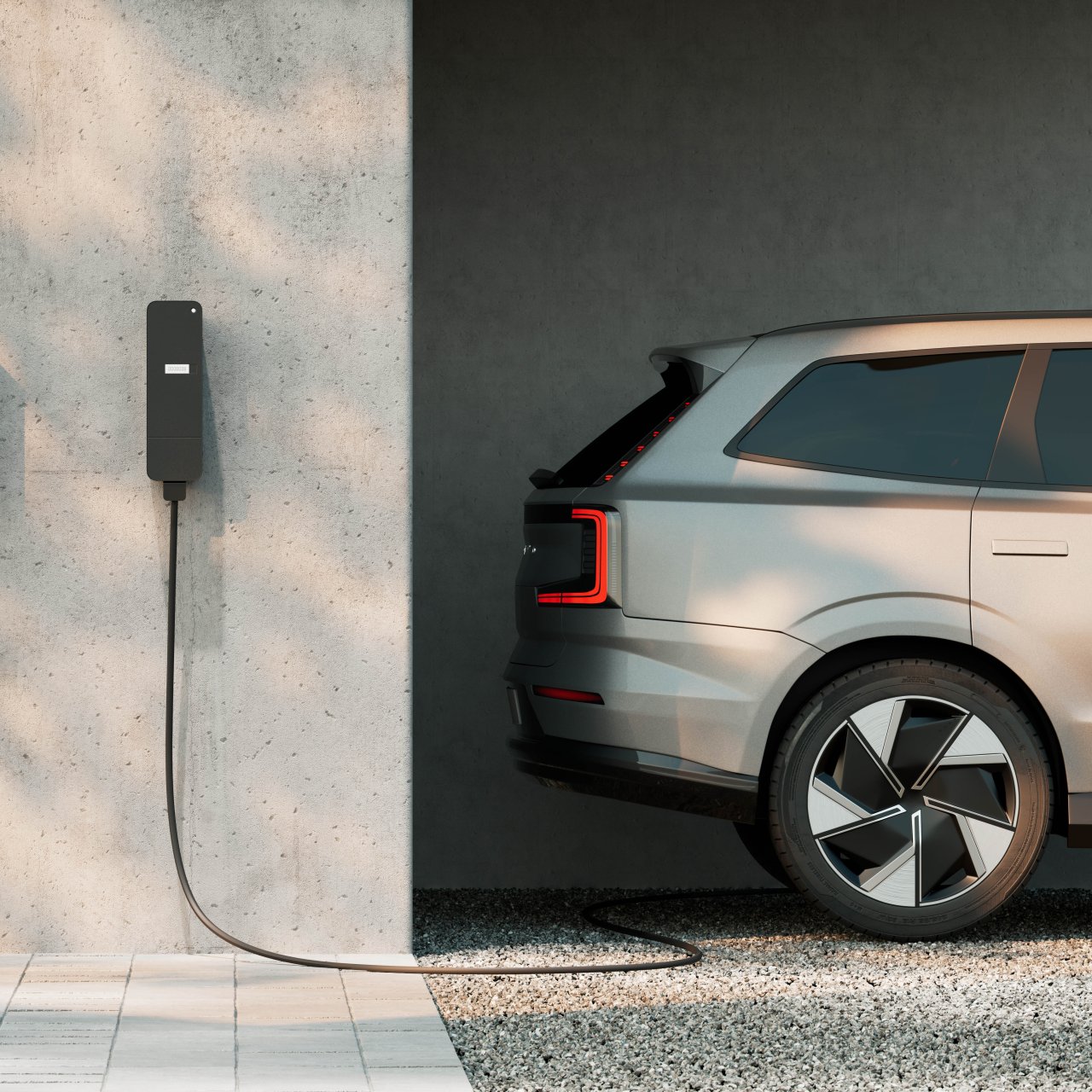
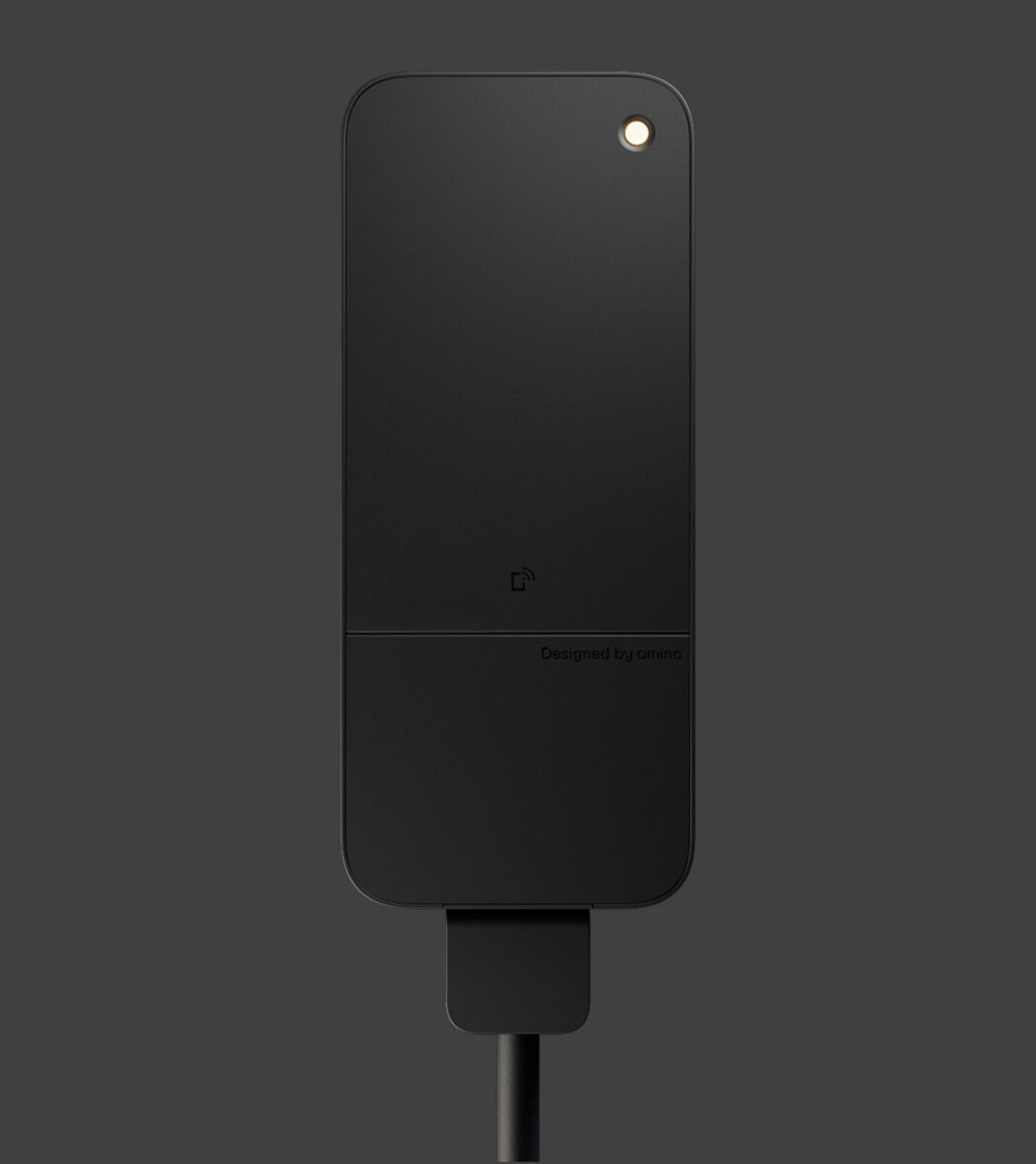
Answers, documentation and firmware updates for amina chargers are online whenever you need them. For anything else, ask the amina support assistant.
Here for you, night and day

Support assistant
Questions about installation, settings or charging? Ask the amina support assistant.

Documentation
Manuals, product sheets and declarations of conformity for every amina charger, in the Brand hub.

Firmware updates
Update amina S / S2 with the amina charging app. Support for amina C / C2 and amina M / M2 follows soon.

Installer videos
Step-by-step guides for amina S / S2, amina C / C2, amina M / M2 and amina 1.
We’re here for you


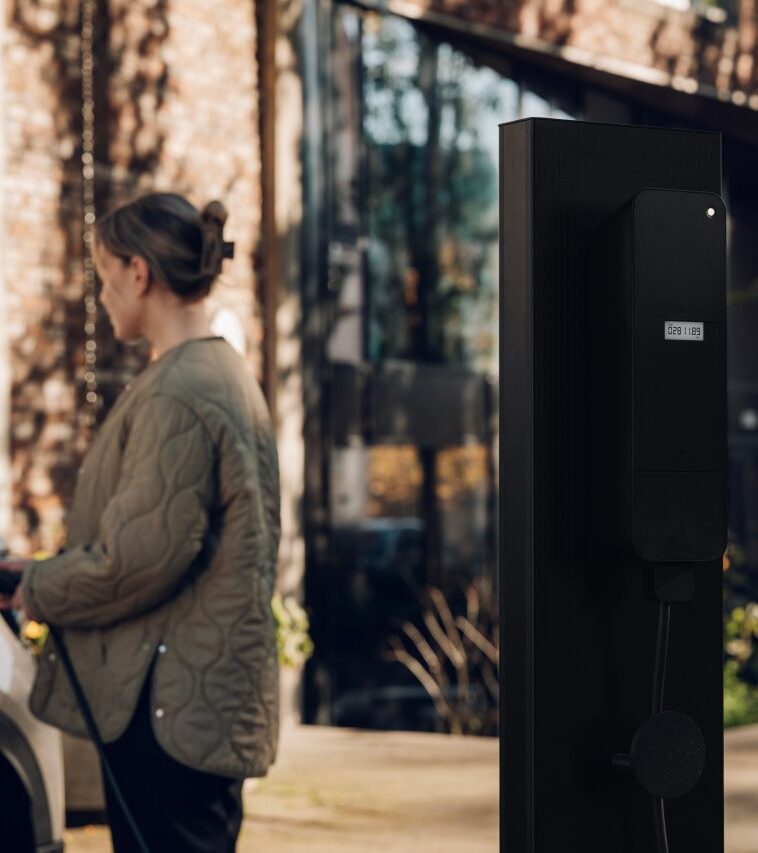
Firmware updates
Update the firmware and check basic charger status on amina S / S2 with the amina charging app, free for iOS and Android. Support for amina C / C2 and amina M / M2 follows soon. The app talks to the charger over Bluetooth, so you need to be standing next to it.
Get the app
Download the amina charging app from the App Store or Google Play. No account needed.

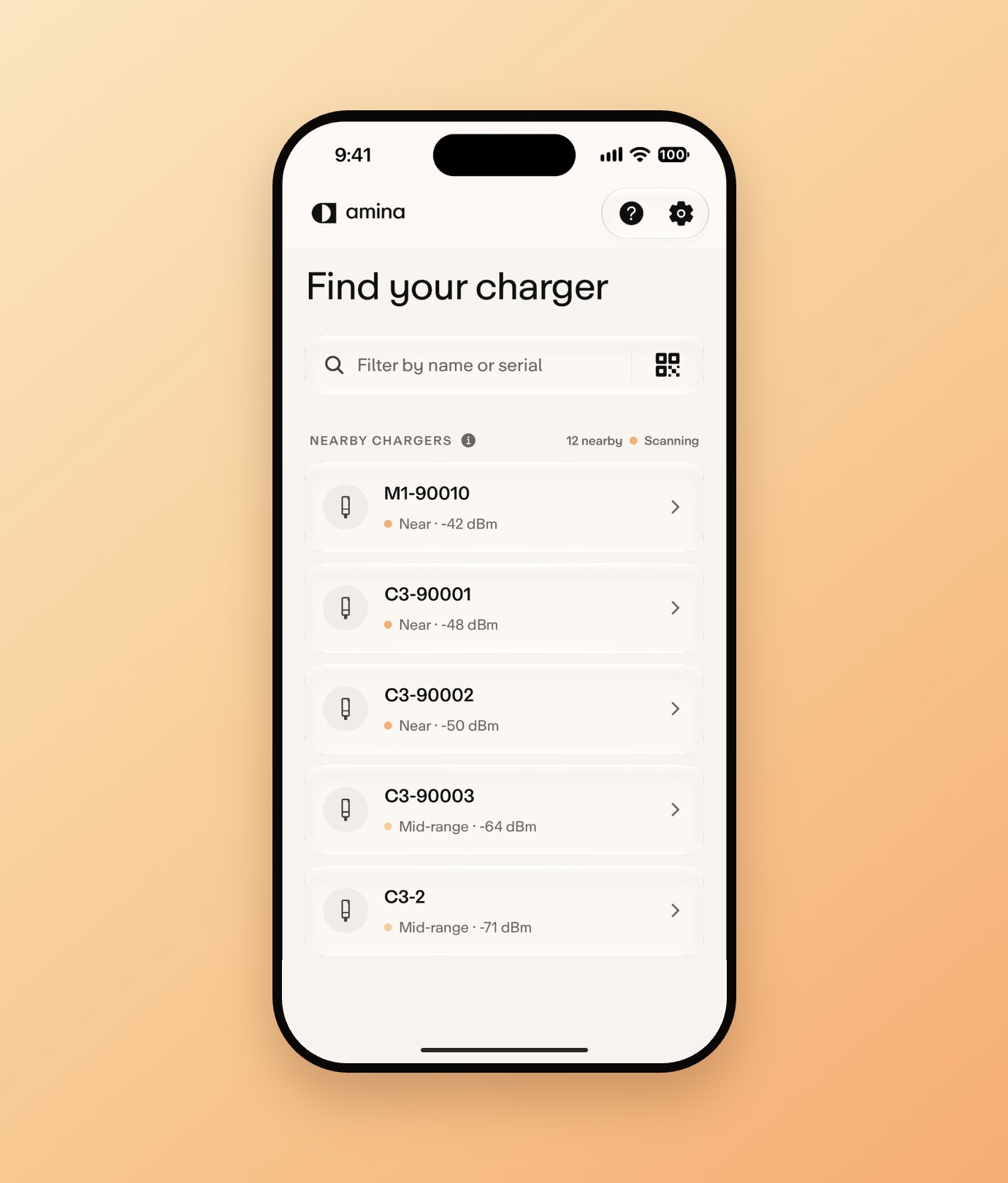
Find your charger
Open the app next to the charger. It scans over Bluetooth and lists the amina S / S2 chargers in range. Match the serial number on the label, or scan its QR code.

Install the update
The app shows the charger status and software version, and installs the latest firmware right there.
Installer videos
Guides for electricians on how to install the amina S / S2 and amina C / C2, amina M / M2 and amina 1 EV chargers.
amina S / S2 and amina C / C2 – How to install
amina M / M2 – How to install
amina 1 – How to install
For partners and installers
Material for selling, installing and promoting amina chargers.