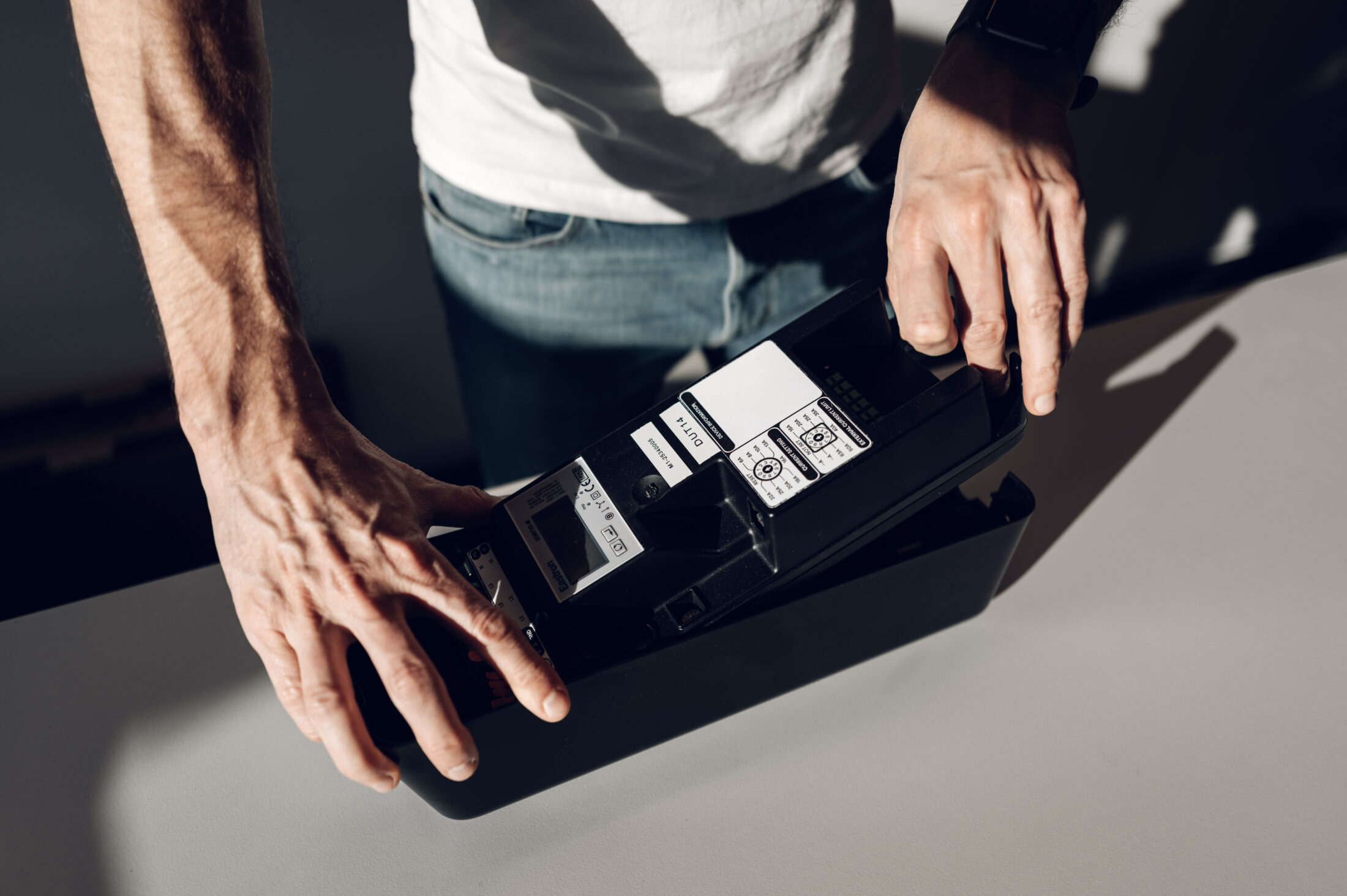
The OCPP test tool that catches problems before customers do
Monta gives away the OCPP test tool its own engineers use internally. For anyone building or deploying a charger, that is worth knowing about. Here is what it does, where it stops, and what we are using it for at the moment.
What the Monta OCPP Toolkit does
The Monta OCPP Toolkit is a browser-based OCPP test tool that stands in for a charge point management system. Point a charging station at it and you can inspect the messages it sends, then run commands back to the charger. The core tool is free and does not require a login. Monta account users can also access its AI assistant and feedback features.
The current V2 interface makes commands and logs easier to work with. It supports OCPP 1.6 and OCPP 2.0.1, so it is useful for quick development checks and for diagnosing a charger that behaves differently against a particular backend.
Toolkit, Emulator and OCTT are different tools
Monta publishes two tools that solve opposite problems. The Toolkit acts as the management system, so charger makers use it to test a charging station. The open-source OCPP Emulator acts as a charge point, so CPMS developers use it to test a backend.
The Emulator is written in Kotlin and offers prebuilt applications for Windows, Linux and macOS. Its message-interception feature can send deliberately unusual or non-conformant messages to test how a backend responds.
The Open Charge Alliance Compliance Test Tool (OCTT) has a different role. It runs formal conformance tests, and approved laboratories use it in the OCPP certification process. Neither Monta tool replaces OCTT or independent certification. Conformance also does not guarantee interoperability with every charger, firmware and CPMS combination.
Why we use it with Norlys
Our OCPP documentation lists OCTT, internal automation, field testing and regression testing as parts of the validation process. The Monta Toolkit complements those checks by making live charger behaviour easy to inspect.
That matters because Norlys runs its whitelabelled amina C fleet on Monta. Testing against a tool made by the same team as the operational backend is more representative than testing only against a generic simulator.
What we check every time
We check whether the charger comes online promptly, whether its messages are correct and whether remote commands produce the expected result. The non-negotiable test is the over-the-air firmware update. If a connected charger accepts signed firmware remotely, many later faults can be corrected without a site visit.
If the charger comes online and the firmware update works, almost everything else can be fixed.Kjell Arne Ødegaard, Embedded Software Lead at amina
That principle shapes release testing. A charger that stays online and remains updateable can be supported for years. One that cannot connect or update can turn a software fault into a van journey.
Certificate and backend migration checks
Backend migration adds certificate handling to the test plan. The charger must trust the new CPMS certificate chain before its endpoint changes. Certificates vary in size, encoding and chain structure, so testing must confirm both that the complete certificate reaches the charger and that the charger can parse it.
Current amina firmware can be factory-provisioned with a root CA bundle, but only for chargers using LTE or Ethernet. The next firmware release is expected to support remotely controlled migration with a new certificate. The CPMS must support that process as well. Monta does, while many other backends have not yet implemented it. This reduces lock-in risk, but the exact charger, firmware, CPMS and certificate chain still need testing.
Two connection details to get right
- Use the full WebSocket path. The current secure endpoint is
wss://ocpp-toolkit.monta.app/ocpp/followed by the charging station identity. - Trust the current root. As of August 2026, Monta states that the Toolkit uses Amazon Root CA 1, the same certificate authority as its production OCPP gateway. Older setup notes may still mention Let’s Encrypt, so check the live connection guidance before testing.
Norlys runs amina C on the Monta platform

Where the free OCPP test tool stops
The Toolkit is useful for development and fault-finding, but it should not become the only release gate. Manual commands find obvious faults. Regressions need repeatable automated tests, and production readiness still needs a pre-deployment test plan covering security, offline behaviour, firmware, transactions and failure recovery.
For a free browser tool, it solves a valuable problem: it lets charger teams reproduce OCPP behaviour before the same problem reaches a customer.
Related