EV charger monitoring and diagnostics: how remote support works
Remote EV charger monitoring gives operators live status, session and fault data. Diagnostics turn that evidence into remote actions or a better-prepared site visit.

What remote EV charger monitoring shows
EV charger monitoring gives operators a current view of each connected station through a charge point management system (CPMS). It can show whether a charger is online, available, charging or faulted, alongside sessions, energy readings, firmware and recent events.
In an OCPP deployment, the charger exchanges messages with the CPMS over its network connection. The platform stores them, applies alert rules and presents the evidence to support teams.
How a charger reports its condition
Message names vary by OCPP version, but the evidence usually includes charger identity, boot and heartbeat messages, connector status, transaction events, meter values and errors. Together, they answer four questions: when was it last online, what was it doing, what changed and were users affected?
A platform may also combine charger messages with connectivity data, operator actions and customer reports. Keep the sources distinct. An offline charger, rejected RFID card and electrical fault can all prevent charging, but the remedies differ.
How remote diagnostics narrow down a fault
Start with a time window. Check the last heartbeat, connection losses, status changes, error codes, session events and recent configuration or firmware changes. Repeated faults across a site may point to power or connectivity; one recurring device fault may indicate the charger or installation.
Error codes are evidence, not always repair instructions. Remote support may find the likely cause, but insulation, wiring, damaged parts and some intermittent faults still need a competent person on site.
What operators can do remotely
Depending on charger, firmware, OCPP functions and permissions, an operator may:
- start or stop a session;
- request status or configuration data;
- change an approved setting or limit;
- reset the charger;
- trigger and track a firmware update; and
- collect logs or diagnostic evidence.
A reset may clear a temporary software condition. It is not a universal repair. Remote actions need access control and an audit trail, especially when they can interrupt charging.
EV charging management software: how CSMS and CPMS platforms work
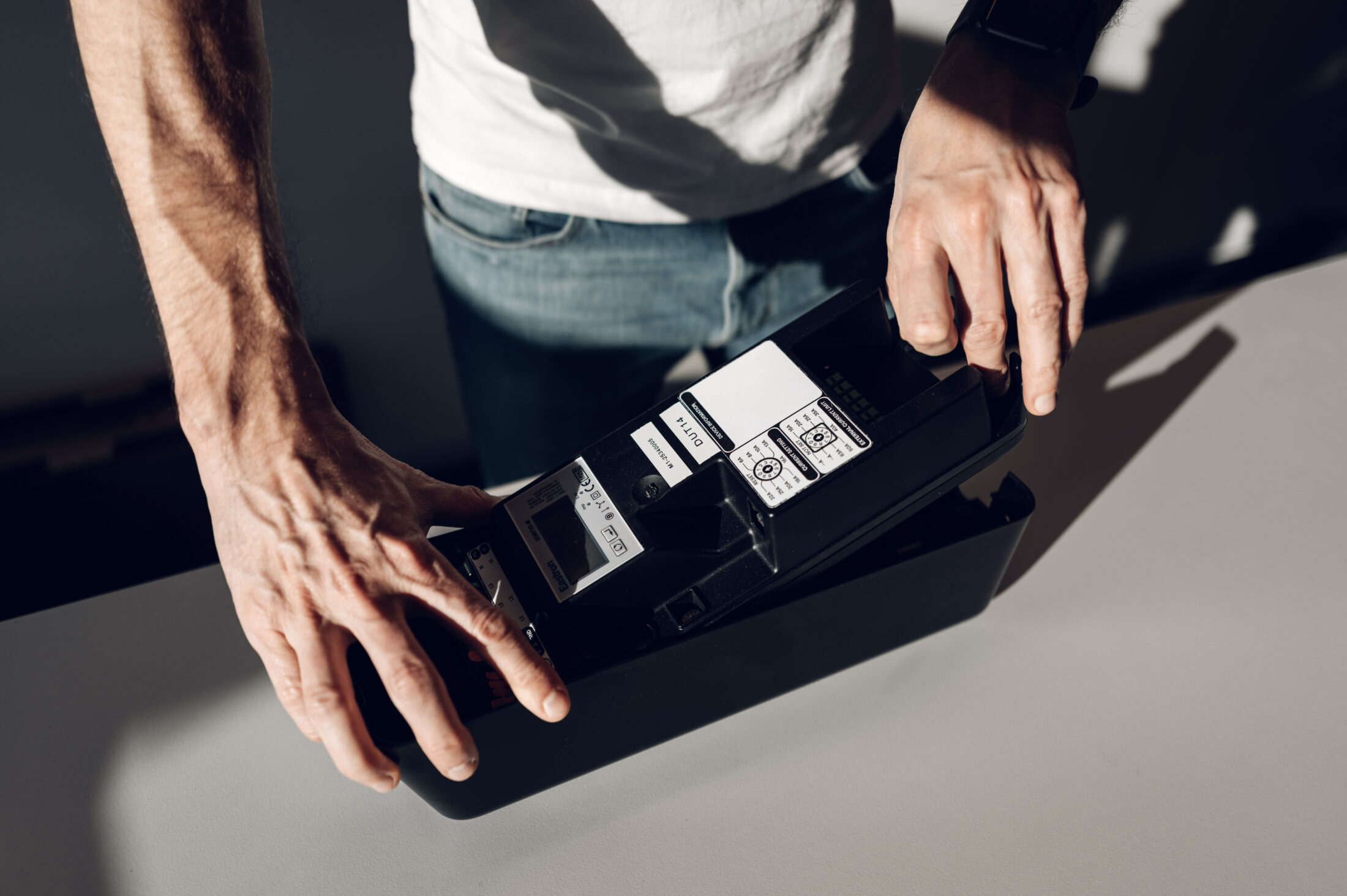
How this works with amina charging stations
amina’s CSMS integration guide documents a direct charger-to-CSMS connection without a proprietary amina cloud. The charger reports over local OCPP 1.6J; the CPMS provides the monitoring interface and support workflow.
The amina troubleshooting guide starts with the charger LED, then CPMS logs for status, boot messages, errors, connection history, configuration changes and transactions. Separate references list meter values and error codes.
What a monitoring process should prove
Before rollout, test alerts, permissions, remote commands, lost connections, queued records, firmware updates and escalation to field service with the actual charger and CPMS. Measure detection and recovery times. Then check whether the evidence helps a technician arrive with the right skills and parts. Remote monitoring reduces guesswork; it does not replace safe local inspection.
Related